Web Development
MDtoDOCX
Markdown to Word Converter
Overview
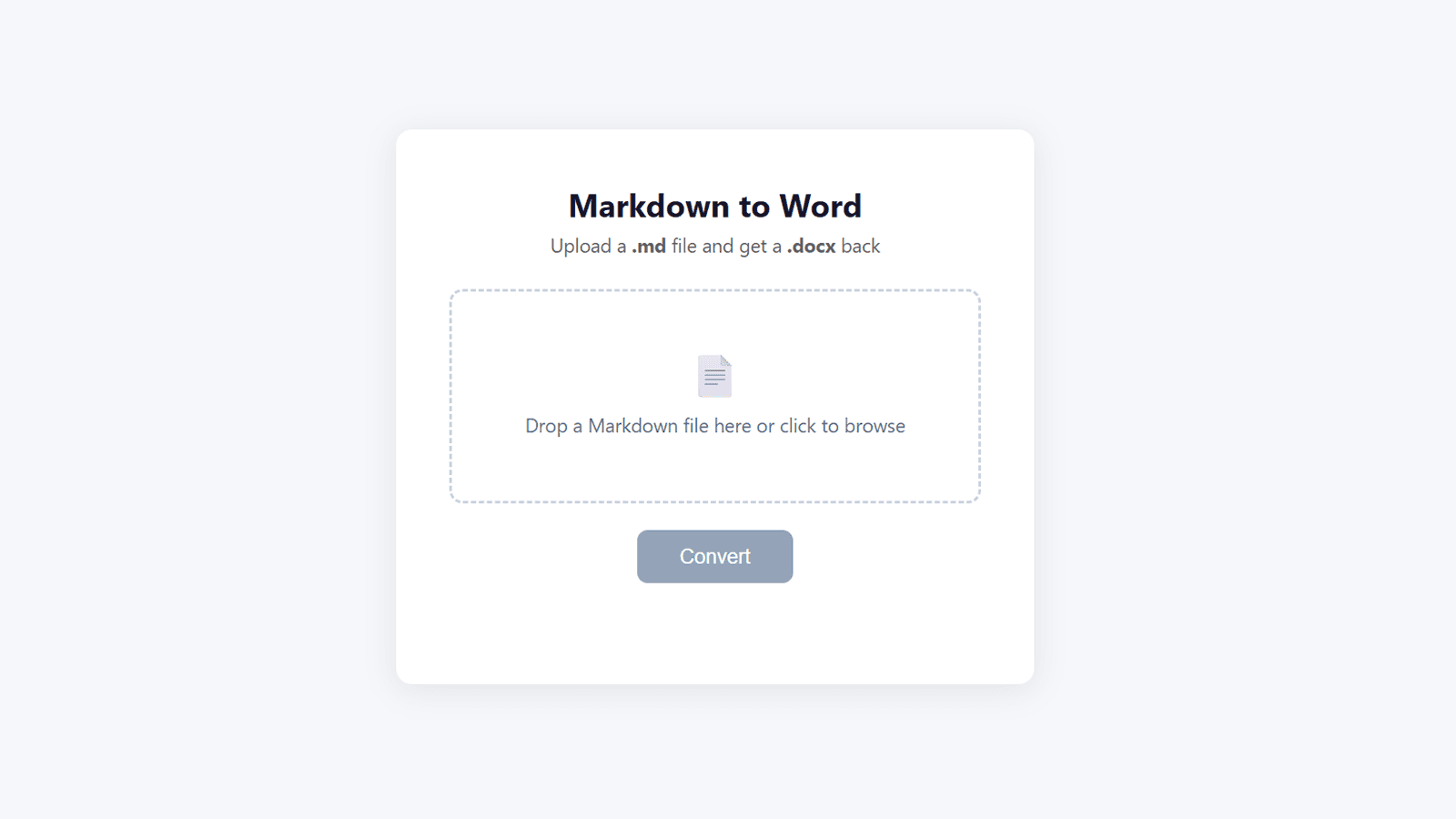
A simple, no-nonsense Markdown to Word document converter — one of many small utility tools I build for everyday use. I created it after finding that every existing option online was either a sketchy download that might infect my computer or an ad-supported site doing who knows what with uploaded files. Available as a web app with drag-and-drop upload, a desktop GUI, and a CLI for batch conversions.
Key Features
- Three interface options: browser-based web app, desktop GUI with file picker, and CLI for batch processing
- Full Markdown support including headings, bold, italic, bullet lists, code blocks, tables, blockquotes, links, and table of contents
- Drag-and-drop file upload with instant .docx download
- Serverless Python backend on Vercel for zero-infrastructure hosting
- Batch conversion of entire folders via CLI or desktop GUI
Challenges & Solutions
A deliberately simple project — the main challenge was bridging the Markdown-to-HTML-to-DOCX pipeline using markdown, beautifulsoup4, and python-docx while preserving formatting fidelity across headings, tables, code blocks, and nested lists, and deploying a Python conversion backend as a Vercel serverless function with proper file upload handling.
Tech Stack
Project Type
Web Development